
New email
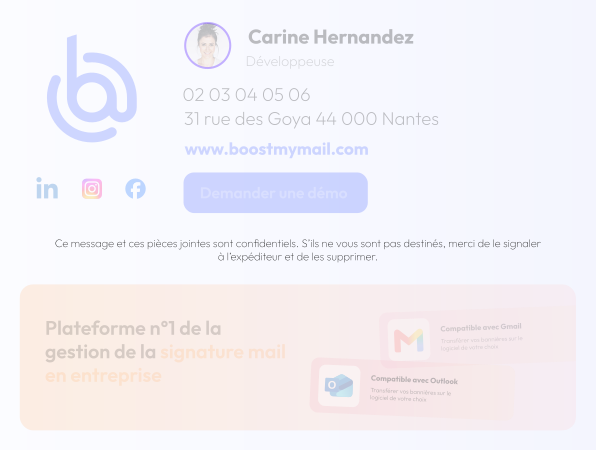
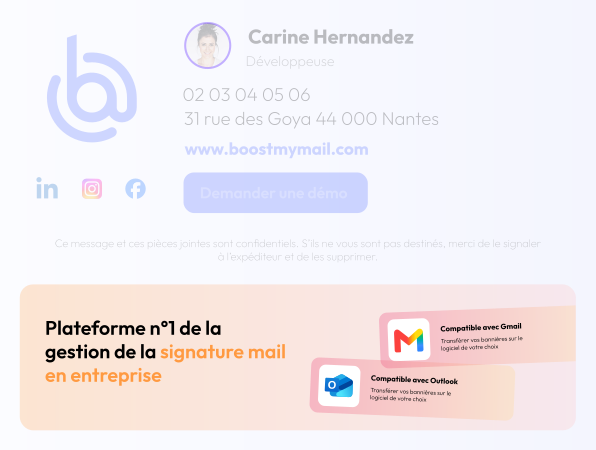
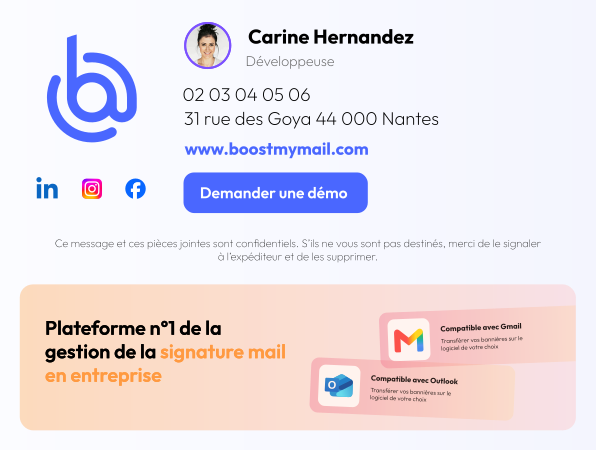
A banner is automatically displayed when you start an email conversation with someone outside your organization.

News, events, promotional offers…: Use your email signatures as a communication channel and give your campaigns greater visibility by including banners in your employees’ email signatures.




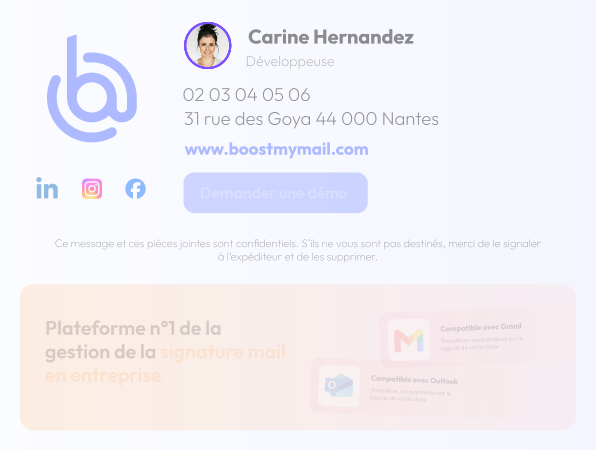
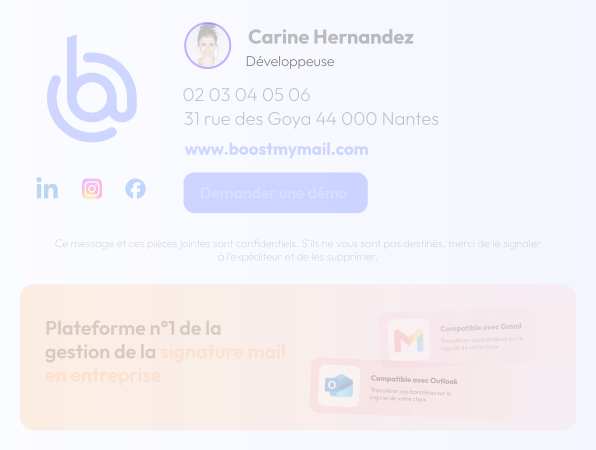
Default illustration displayed.
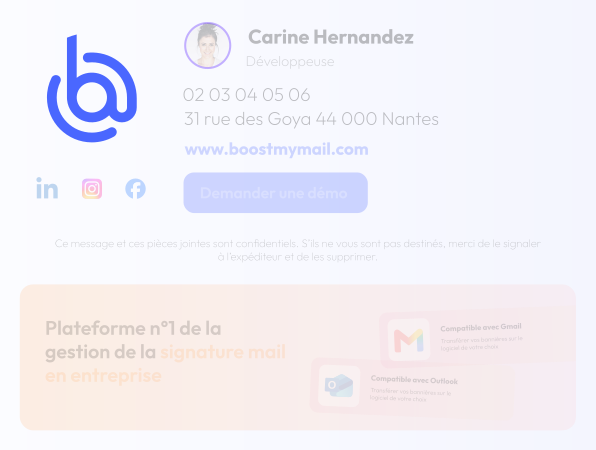
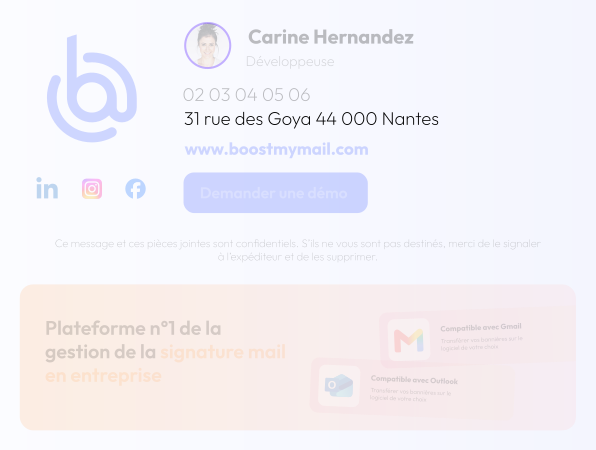
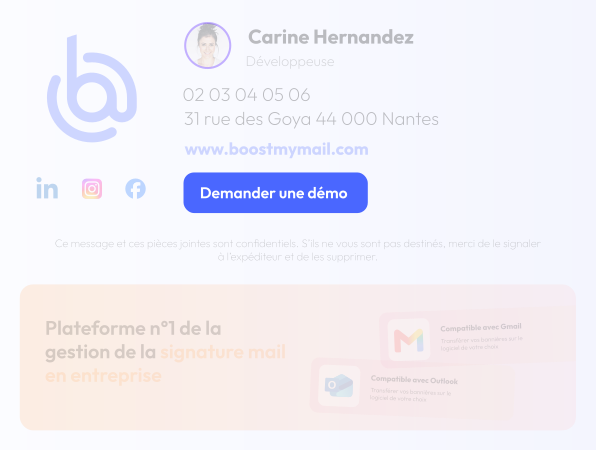
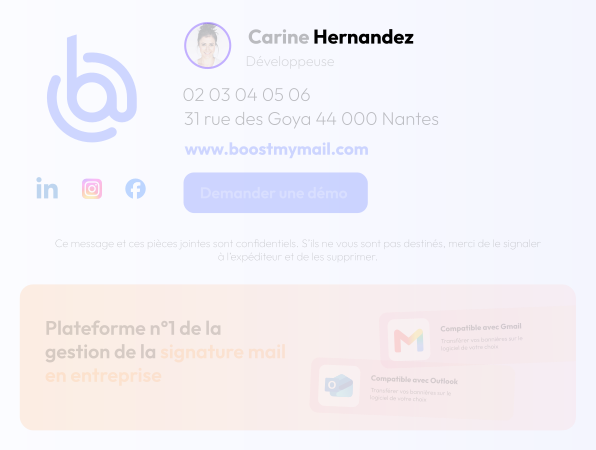
Hover over an item to highlight it in the signature.
Boost My Mail lets you take your email banners to the next level: you can configure a specific banner based not only on the context of the email but also on the recipient.
A banner is automatically displayed when you start an email conversation with someone outside your organization.
A second banner may appear the next time you reply to an email. You can also choose not to display a banner in reply emails.
Boost My Mail lets you communicate internally using banners: you can display a banner that will appear only if all recipients are employees of your company.
A second banner may appear when you reply to an email in which all recipients are employees of your company. You can also choose not to display a banner on reply emails in internal communications.
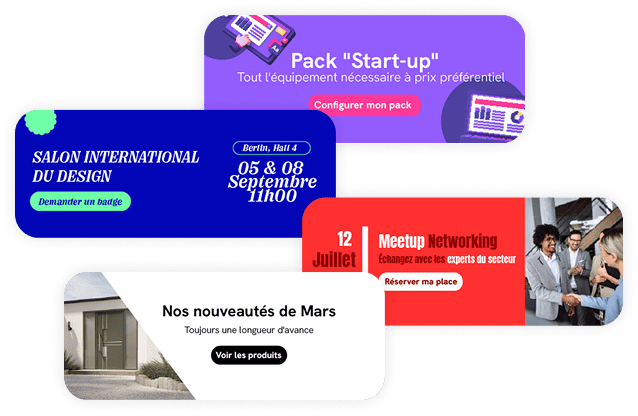
Banners in email signatures can be used to communicate on a wide range of business topics: lead generation, sales offers, HR communications, events, and news. The hardest part will be choosing which ones to use.

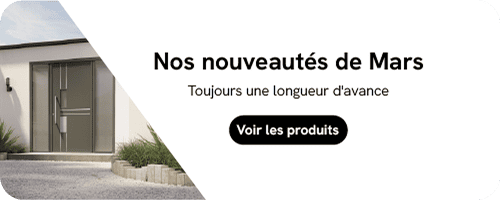
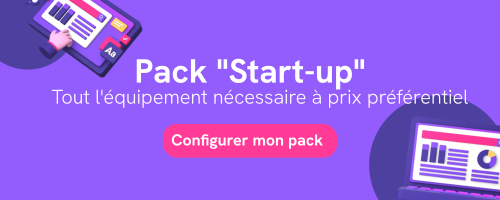
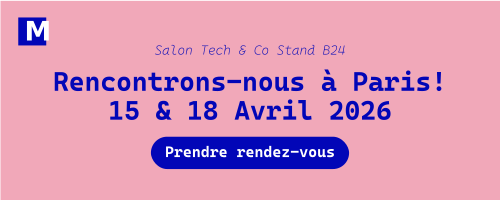

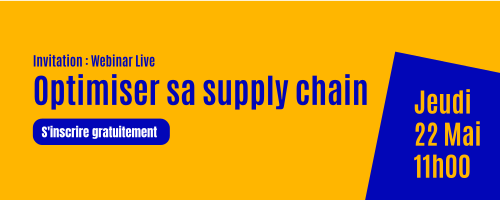
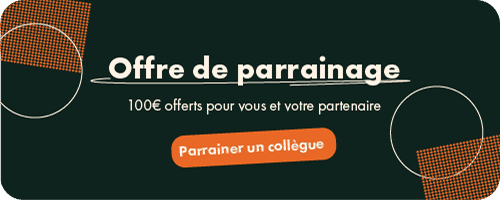




You can create two types of campaigns. The first features a single banner. The second allows you to add multiple visuals, which will rotate automatically. The second option will allow you, for example, to promote multiple products to generate new sales.

Use a single banner in a campaign to maximize its visibility. Be sure to schedule display periods for each campaign.

Add multiple images to a single campaign and let Boost My Mail automatically rotate them. This feature is particularly popular with companies that sell multiple products: it allows them to promote several offers over the same period.
Effectively measure the performance of your signatures and banners using our dedicated dashboard.
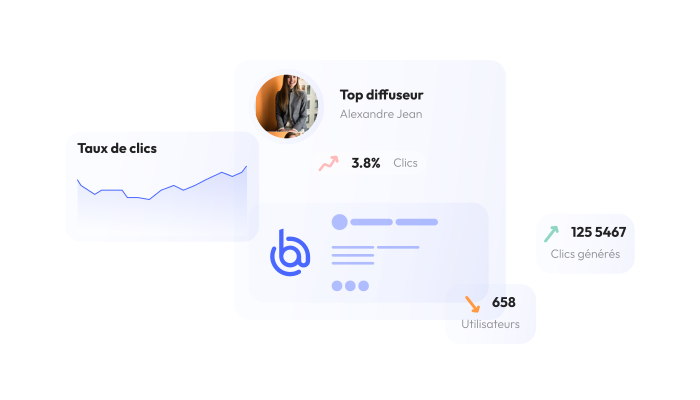
Each link in your signature has its own tracking statistics. This is ideal for identifying the people who click on the appointment-booking link in your sales reps' signatures, as well as for tracking the number of visitors to your website and social media channels who come from email signatures.
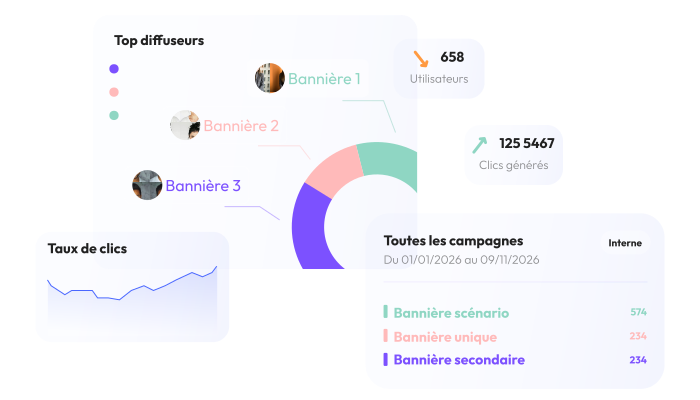
View the overall and daily statistics for each campaign created in Boost My Mail. This will help you identify which banners are generating the most interactions.
Horizontal carousel. Swipe on touch devices or use the left and right arrows when the carousel has focus.
No, Boost My Mail offers two plans: the Basic plan, which doesn't include banners so you can focus on your brand image; and the Premium plan, which incorporates your brand image and also lets you turn your email signature into a communication channel by adding banners. It's up to you to choose the plan that best suits your needs.
Images in .jpg and .png formats, as well as GIFs in .gif format, are compatible with Boost My Mail
No, Boost My Mail accepts all image formats. The standard format is still rectangular, but if you'd like a square image, that's possible.