
Internal/External Target
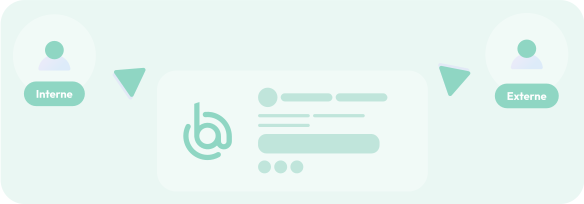
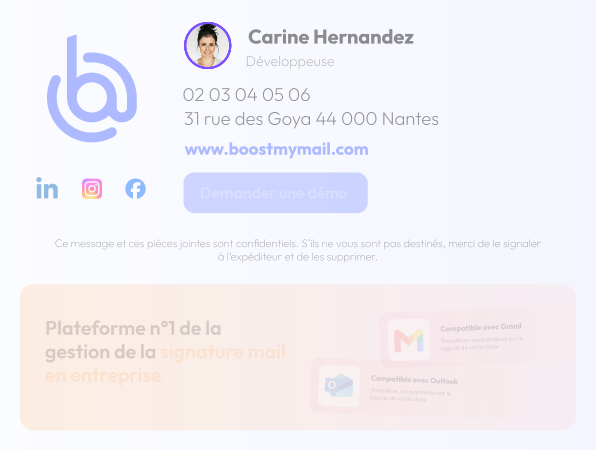
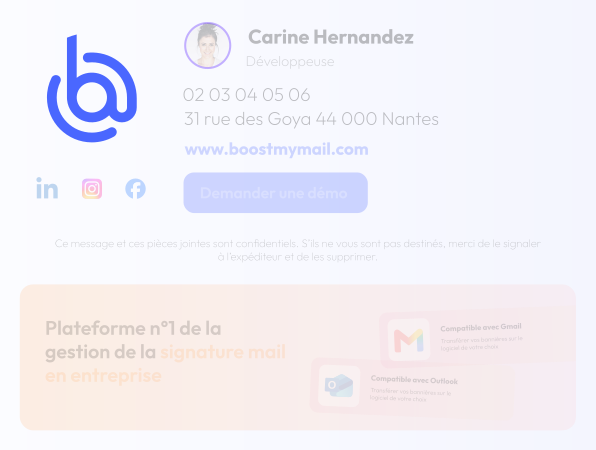
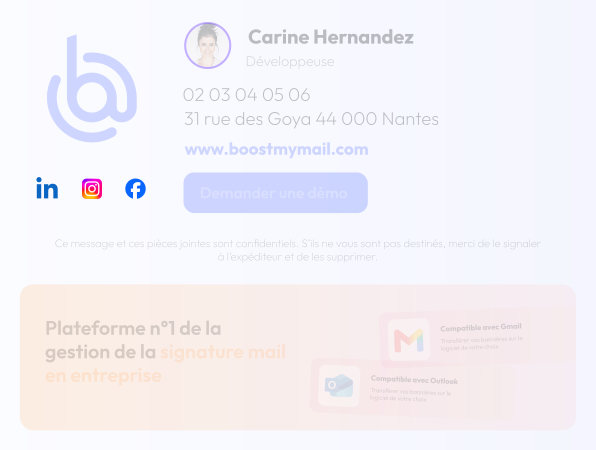
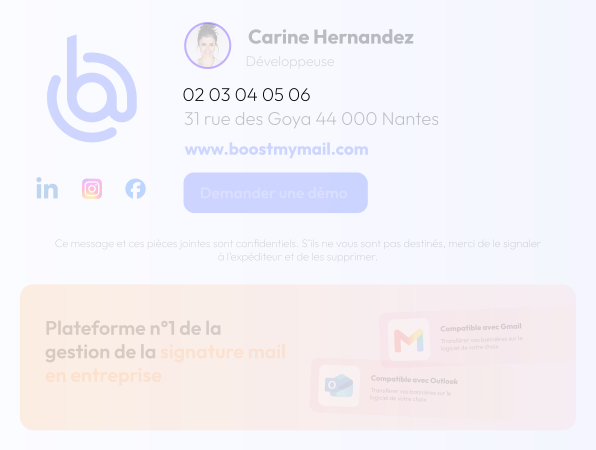
Tailor the content of your email signatures to your recipients—whether they are internal to your company or external.

Create and centrally manage your email signatures, and automatically deploy them to Outlook and Microsoft 365. Enhance your brand image and use your email signature as a communication channel.
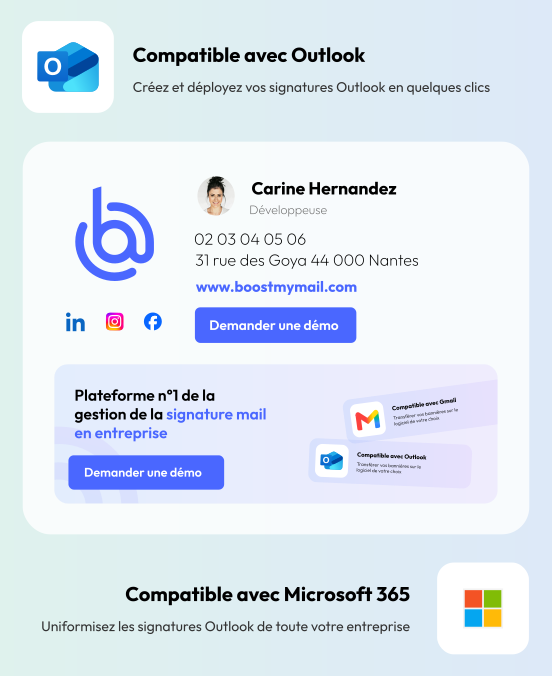
Managing email signatures in a business setting has never been easier. Take advantage of a comprehensive tool that handles everything from creating signatures down to the finest detail to automatically syncing them across your employees’ email accounts.
Create your email signatures entirely on your own and down to the finest detail using our dedicated tool, or use our email signature templates.
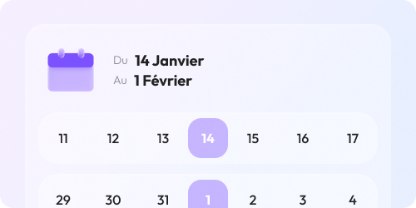
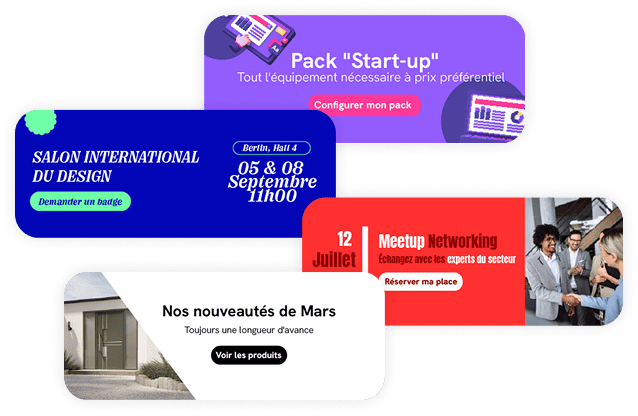
Add clickable banners, specify publication dates, and assign them to the employees of your choice.
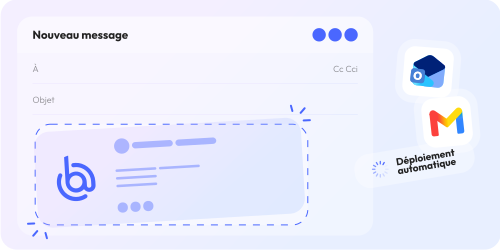
Save time and simplify your workflow: synchronization with Outlook and Gmail is automatic.

Easily track the performance of each of your campaigns and email signatures with our dedicated dashboard.
Communications Department

No more “in-house” signatures that are distorted, out of date, or don’t comply with the style guide!
Marketing Department

No more displaying banners for past events
IT Department

No more having to go to each workstation to set up the new banner
Default illustration displayed.
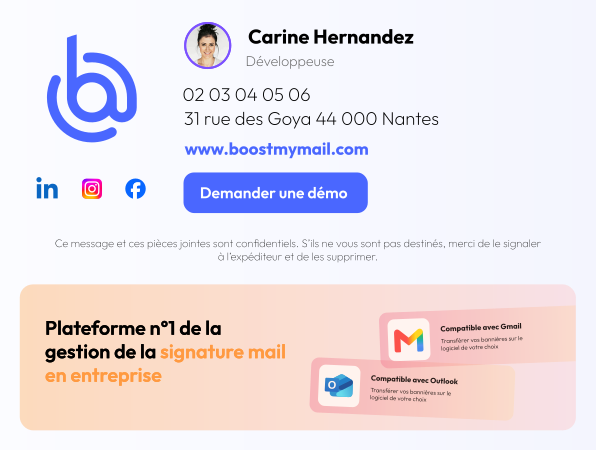
Hover over an item to highlight it in the signature.
Go beyond a simple signature: customize it based on your company's setup as well as the type of email you're sending.
Tailor the content of your email signatures to your recipients—whether they are internal to your company or external.
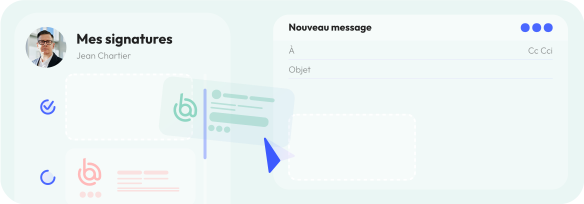
Assign multiple email signatures to the same person and let them choose which one to use for each email.
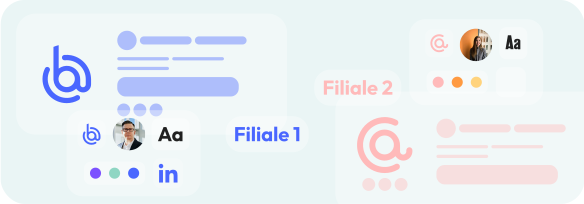
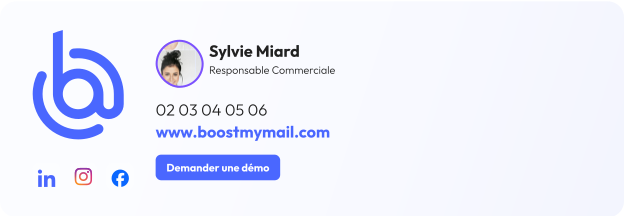
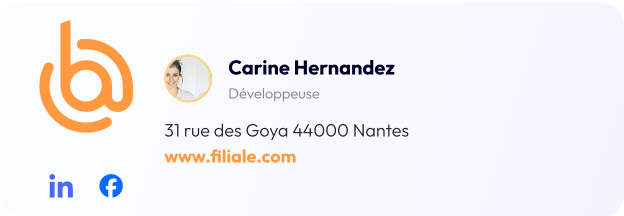
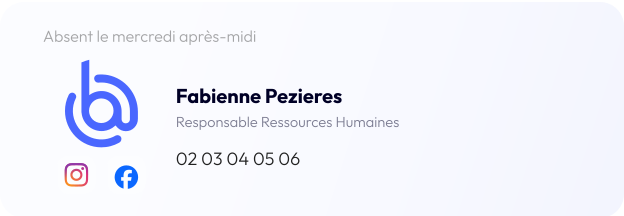
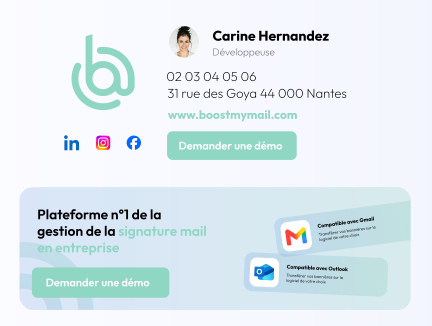
Logo, mailing address, colors, font: customize each signature for each of your subsidiaries.

Keep your email signatures brief when replying to emails: your correspondents will already have received all the necessary information in your initial exchange.

Add multiple banners to a campaign: they will automatically rotate every 3 hours in your employees' inboxes.
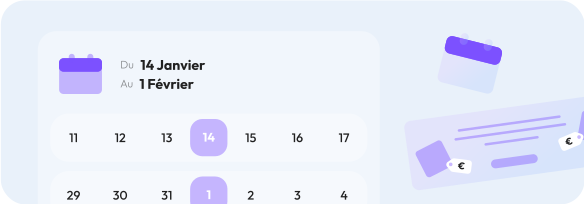
Schedule the launch dates for each campaign. And no more “Happy New Year” messages in April.
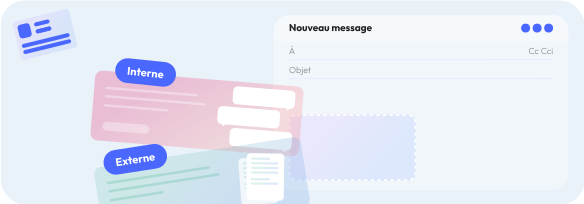
Set up campaigns that will only appear during internal company communications—ideal for HR.
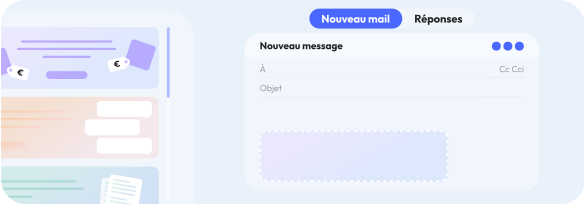
Would you like to display a different banner in a reply email? Or no banner at all? It's possible!





There are two options available for creating your email signatures. Select one of the templates from the library to customize it, or create your own email signature from scratch using our dedicated interface.

Select an email signature template from the available options.
Customize the selected email signature template by adding the elements you want: color, logo, photo, social media icons, and text elements

Create your own email signature design. Use our “Builder,” a tool that lets you design your email signature from scratch. Logo, social media icons, job title, phone numbers, and more: use our drag-and-drop editor to design it down to the pixel.
Boost My Mail lets you take your email signatures to the next level: you can set up a specific signature based on the context of the email and the type of recipient
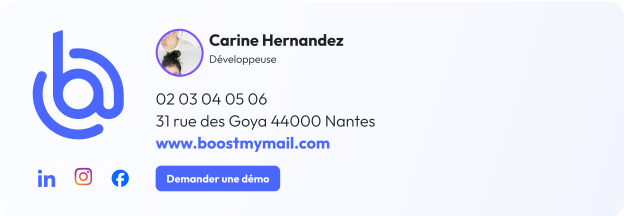
An email signature containing the most comprehensive information will be automatically inserted whenever you start an email exchange with someone outside your organization. This allows the recipient to learn as much as possible about you and your organization.
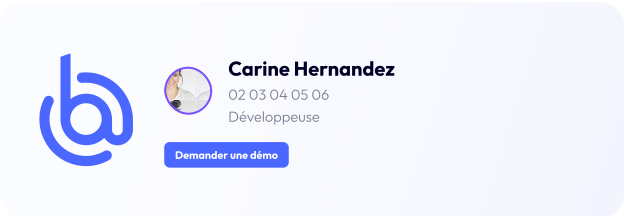
A streamlined email signature will be automatically inserted when you reply to an email exchange with someone outside your organization. Since the recipient already received all the necessary information in the first email, it makes sense to include only the essential details.

An email signature containing the information needed for internal communications will be automatically inserted when you start an email conversation with an internal contact within your organization. Some information is not required for internal communications.
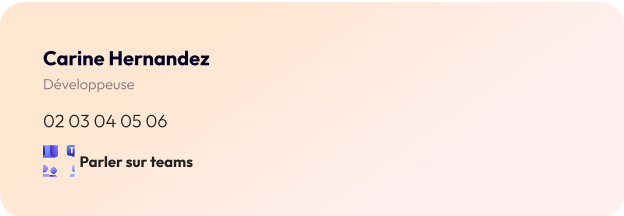
A very simple email signature will be automatically inserted when you reply to an email exchange with an internal contact within your organization.
The configuration of email signatures and banners has been designed to adapt to all possible corporate structures.
Branches, multi-office operations, multi-brand operations: Boost My Mail is sure to adapt to your structure.

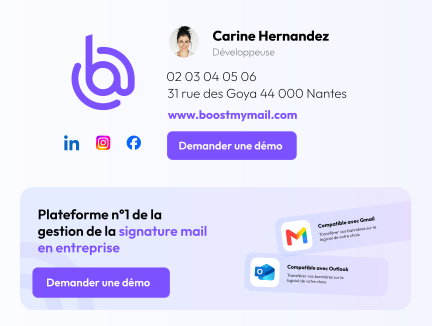
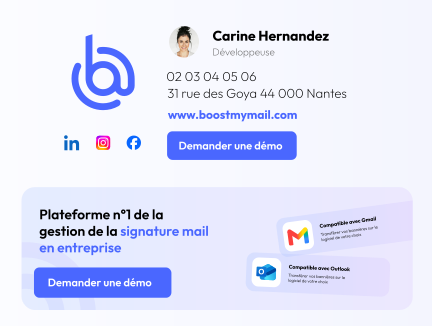
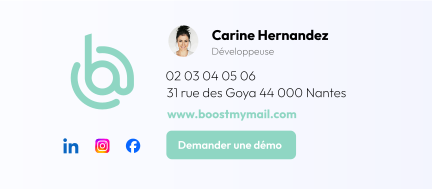
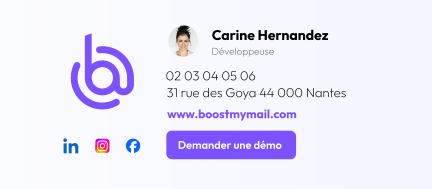
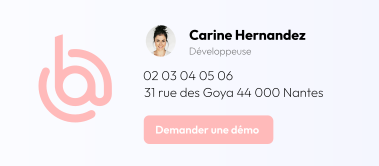
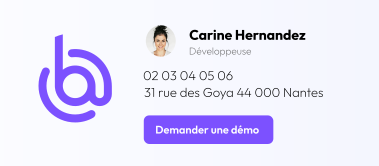
Horizontal carousel. Swipe on touch devices or use the left and right arrows when the carousel has focus.
Boost My Mail is compatible with Microsoft 365 licenses as well as Outlook 2016, 2019, and 2021. The following Outlook environments are supported: Mac and Windows, Outlook on the web, and mobile apps (iOS and Android).
We use two technologies to deploy email signatures. The add-in is the most commonly used option and offers the widest range of features. We also offer a Windows application.