
Internal/External Target
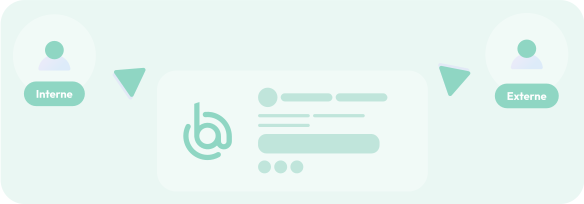
Tailor the content of your email signatures to your recipients—whether they are internal to your company or external.

Make the most of your email signatures: enhance your company’s brand image and promote communication and marketing campaigns through your employees’ daily emails.



Create your own email signatures from scratch, down to the smallest detail, using our dedicated tool, or use our email signature templates.
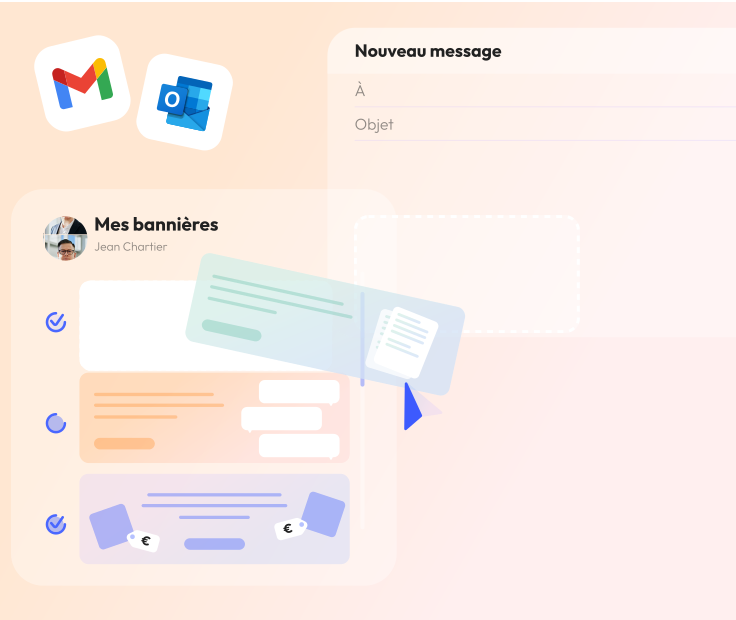
Events, new products, webinars, white papers…: Promote your news and events by adding a clickable banner.
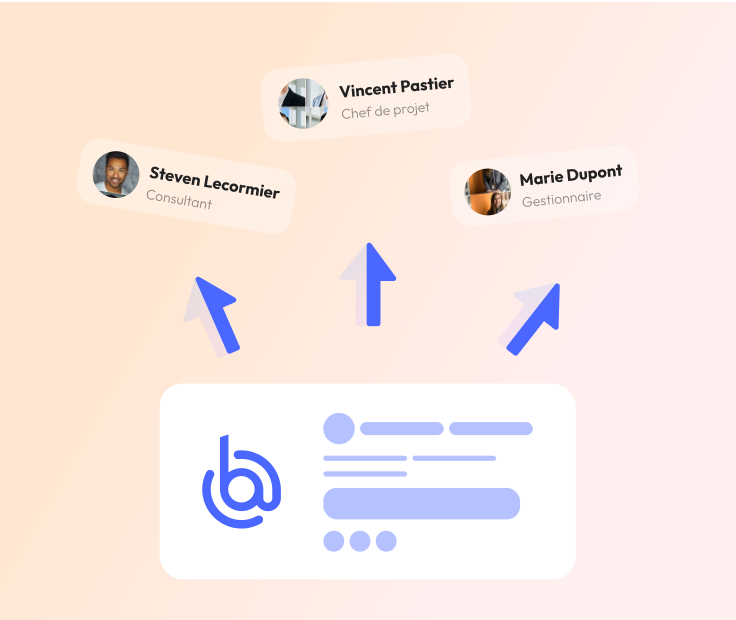
Your email signatures and banners are automatically synced across your employees' email accounts, whether you use Outlook or Gmail.
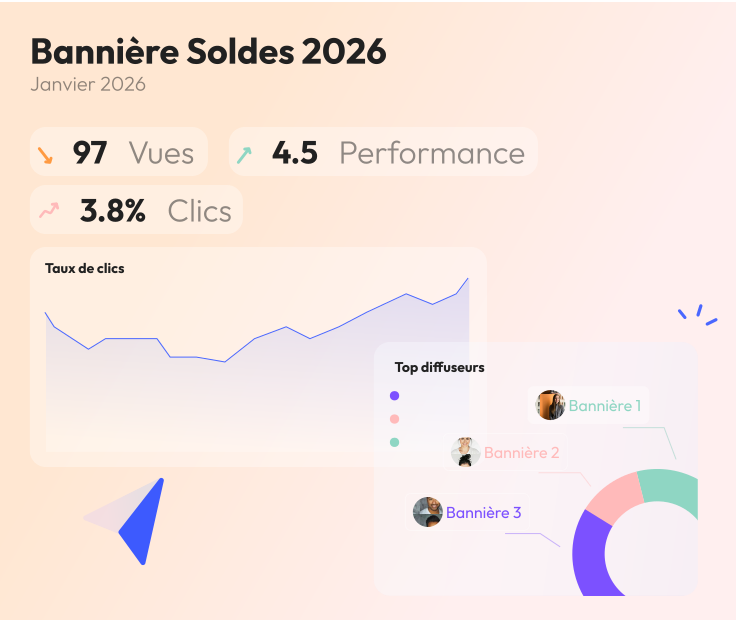
Track the number of clicks generated by your banners and signatures. This will allow you to analyze the performance of your campaigns through this channel.
Default illustration displayed.
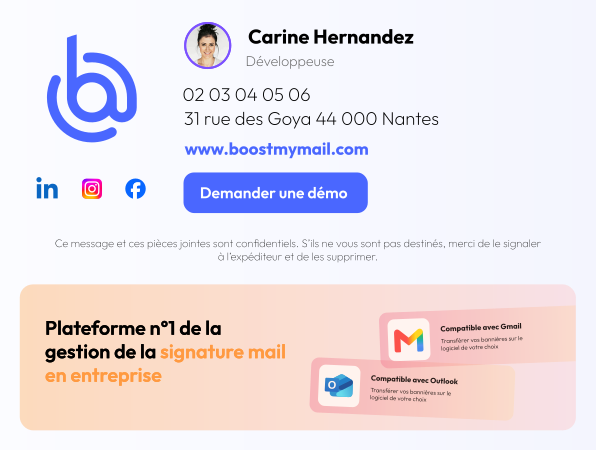
Hover over an item to highlight it in the signature.
Boost My Mail is an email signature tool designed to adapt to any business setup. Whether you have subsidiaries, multiple agencies, multiple brands, or a single company, this email signature tool lets you customize your signatures to fit your organization.






Go beyond a simple signature: customize it based on your company's setup as well as the type of email you're sending.
Tailor the content of your email signatures to your recipients—whether they are internal to your company or external.
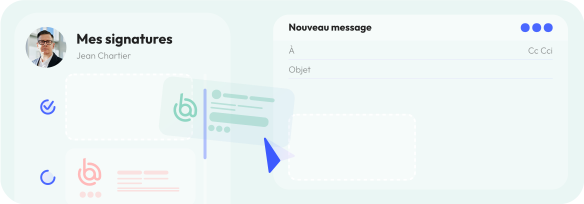
Assign multiple email signatures to the same person and let them choose which one to use for each email.
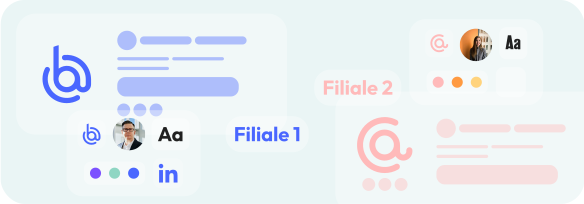
Logo, mailing address, colors, font: customize each signature for each of your subsidiaries.

Keep your email signatures brief when replying to emails: your correspondents will already have received all the necessary information in your initial exchange.

Add multiple banners to a campaign: they will automatically rotate every 3 hours in your employees' inboxes.
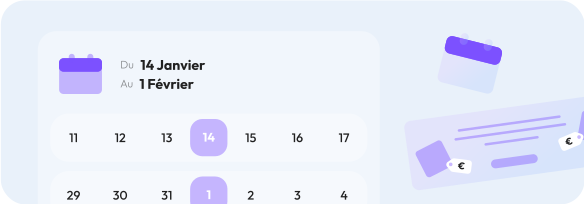
Schedule the launch dates for each campaign. And no more “Happy New Year” messages in April.
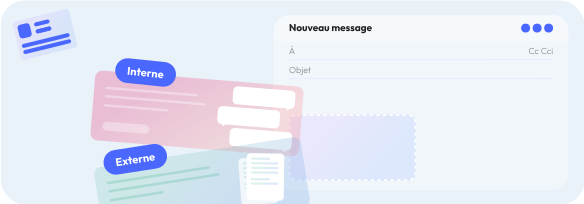
Set up campaigns that will only appear during internal company communications—ideal for HR.
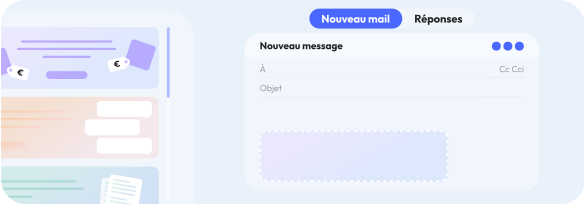
Would you like to display a different banner in a reply email? Or no banner at all? It's possible!
Banners embedded in email signatures can be used to communicate on a wide range of business topics: lead generation, sales offers, HR communications, events, news, and more. The hardest part will be choosing which one to use!
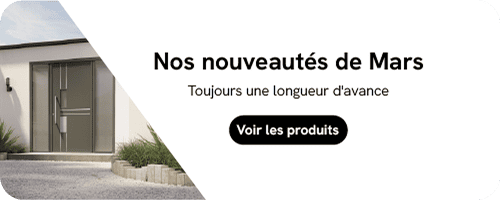


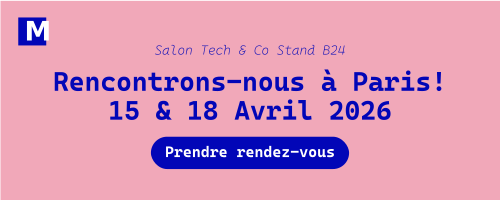
Effectively measure the performance of your signatures and banners using our dedicated dashboard.
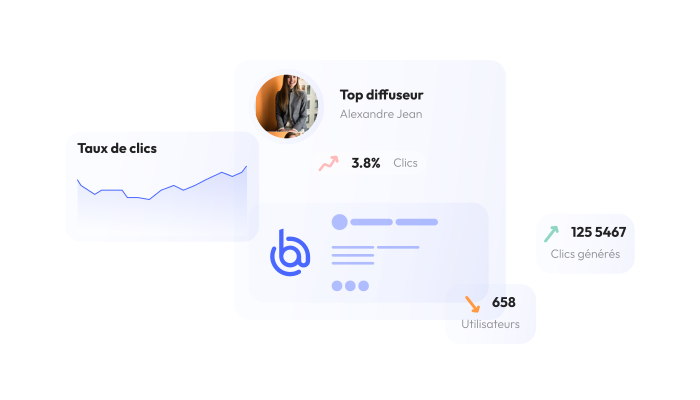
Every link included in your signature is tracked with detailed statistics. This is ideal for identifying who clicked the appointment scheduling link in your sales reps’ signatures, or for determining the number of visitors to your website and social media channels generated by your email signatures.
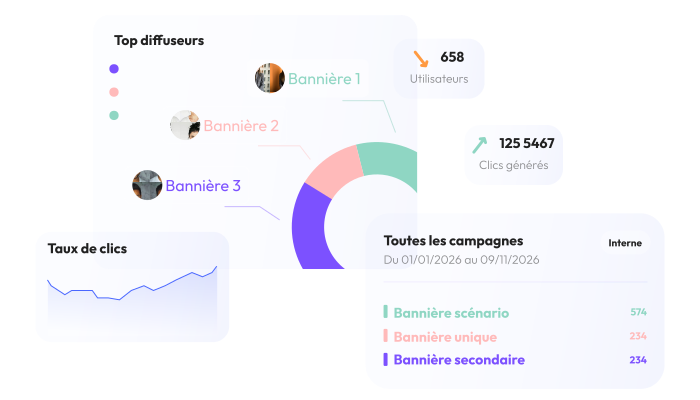
View the overall and daily statistics for each of your campaigns created in Boost My Mail, and identify the banners that generate the most interactions.




Horizontal carousel. Swipe on touch devices or use the left and right arrows when the carousel has focus.
That's right—you can configure access settings for each employee in your organization who is an administrator. Typically, the IT department has access to the technical settings, while the marketing and communications departments have access to the "Signature," "Banner," and "Statistics" tabs.
Yes, there is a feature that can be enabled for this purpose, allowing you to create separate environments for each branch. This means that an administrator at Branch No. 1 will not have access to the signatures and banners used by Branch No. 2.