Template Library

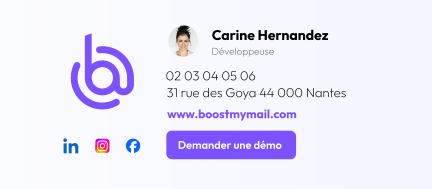
Select an email signature template from the available options.
Customize the selected email signature template by adding the elements you want: color, logo, photo, social media icons, and text elements

Use a centralized email signature management tool to standardize your company's brand image, improve your visibility, and automatically deploy your email signatures without requiring any action from your employees.
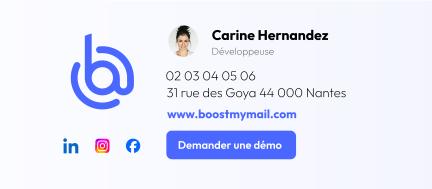
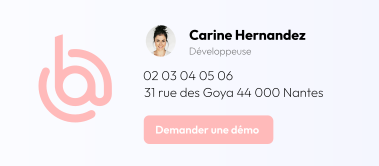
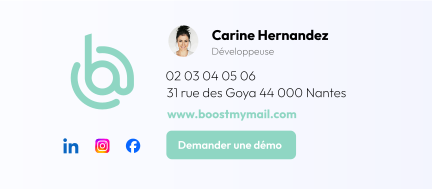
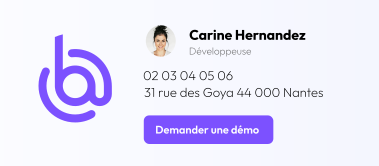

Create your own email signatures from scratch, down to the smallest detail, using our dedicated tool, or use our email signature templates.

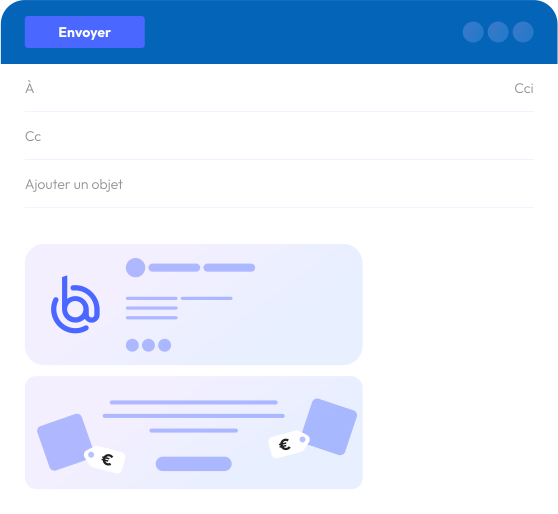
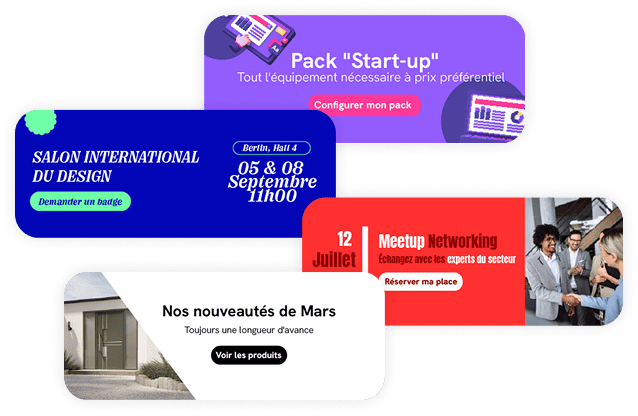
Events, new products, webinars, white papers…: Promote your news and events by adding a clickable banner.
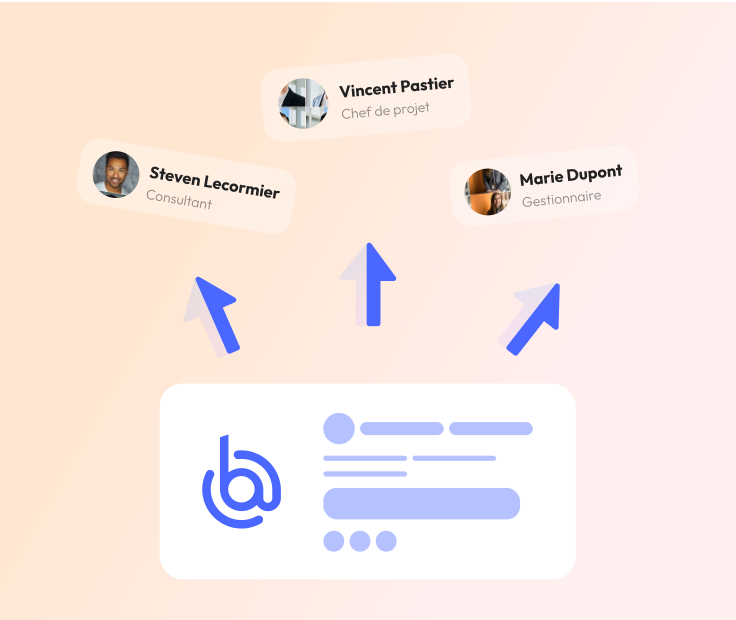
Your email signatures and banners are automatically synced across your employees' email accounts, whether you use Outlook or Gmail.
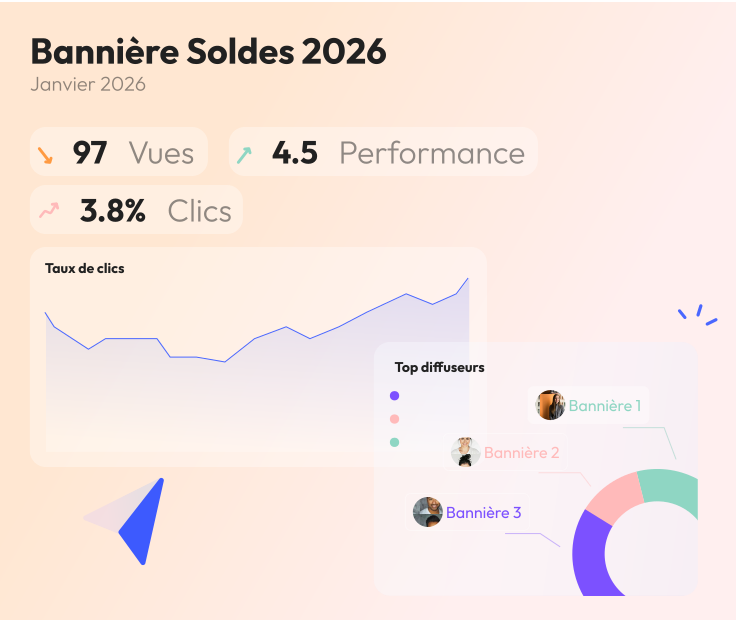
Track the number of clicks generated by your banners and signatures. This will allow you to analyze the performance of your campaigns through this channel.
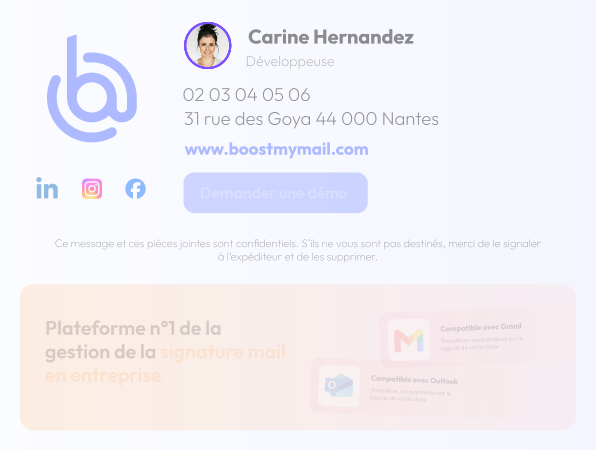
Default illustration displayed.
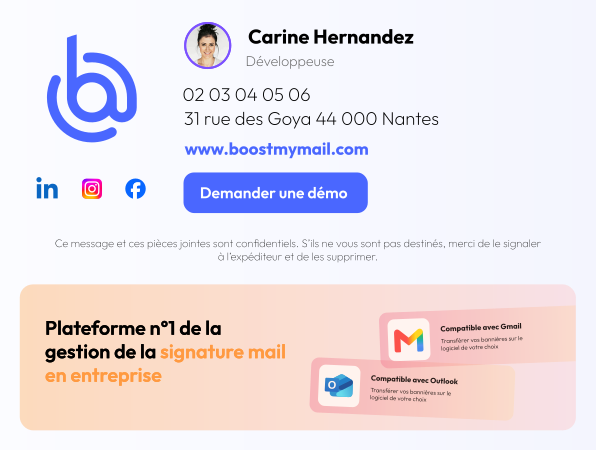
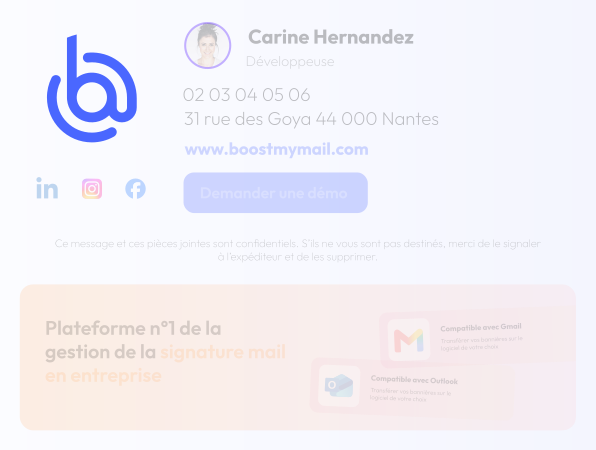
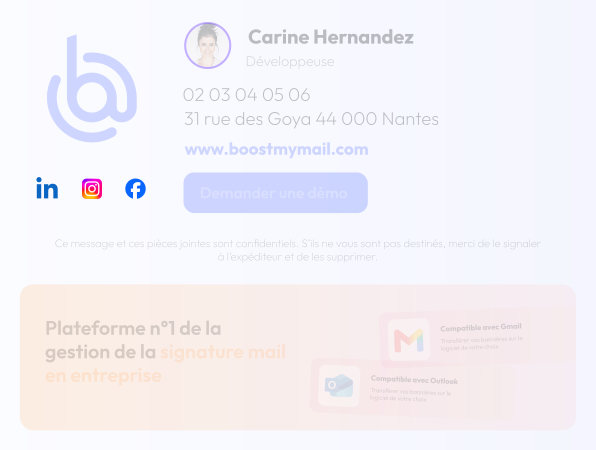
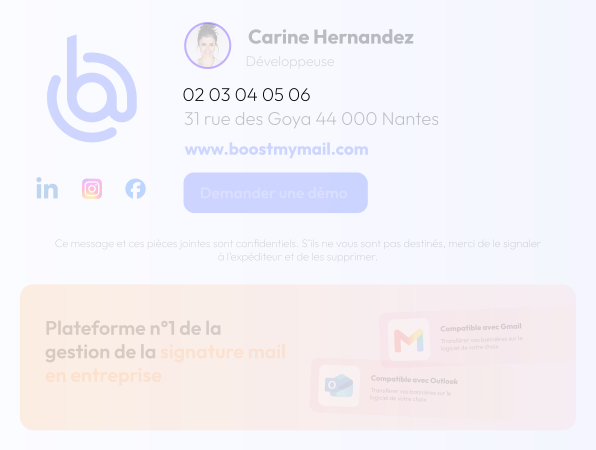
Hover over an item to highlight it in the email signature.




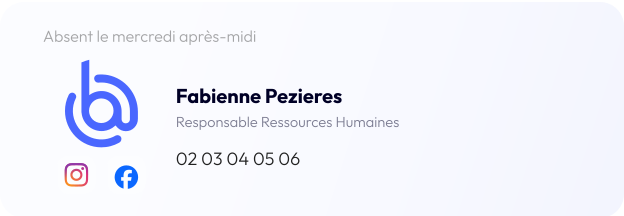
There are two options available for creating your email signatures. Select one of the templates from the library to customize it, or create your own email signature from scratch using our dedicated interface.
Select an email signature template from the available options.
Customize the selected email signature template by adding the elements you want: color, logo, photo, social media icons, and text elements

Create your own email signature design. Use our “Builder,” a tool that lets you design your email signature from scratch. Logo, social media icons, job title, phone numbers, and more: use our drag-and-drop editor to design it down to the pixel.
Boost My Mail lets you take your email signatures to the next level: you can set up a specific signature based on the context of the email and the type of recipient.
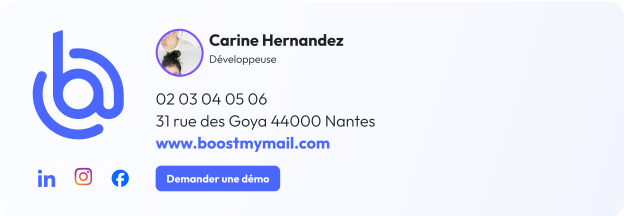
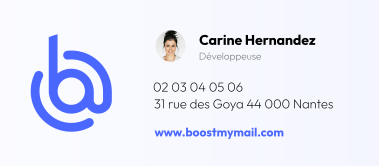
An email signature containing the most comprehensive information will be automatically inserted whenever you start an email exchange with someone outside your organization. This allows the recipient to learn as much as possible about you and your organization.
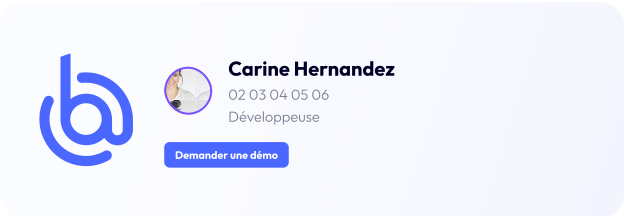
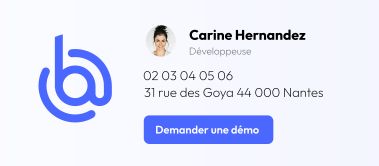
A streamlined email signature will be automatically inserted when you reply to an email exchange with someone outside your organization. Since the recipient already received all the necessary information in the first email, it makes sense to include only the essential details.
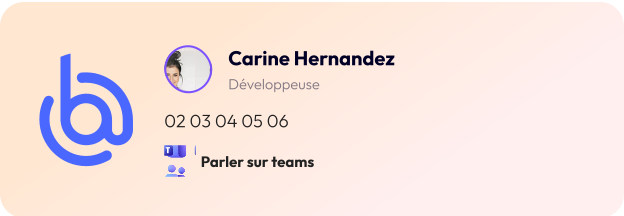
An email signature containing the information needed for internal communications will be automatically inserted when you start an email conversation with an internal contact within your organization. Some information is not required for internal communications.
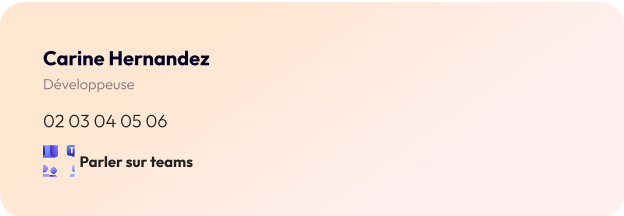
A very simple email signature will be automatically inserted when you reply to an email exchange with an internal contact within your organization.
Creating an email signature has never been easier. But how far will you go to personalize it?
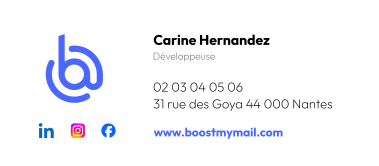
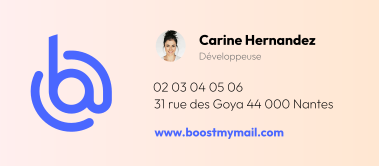
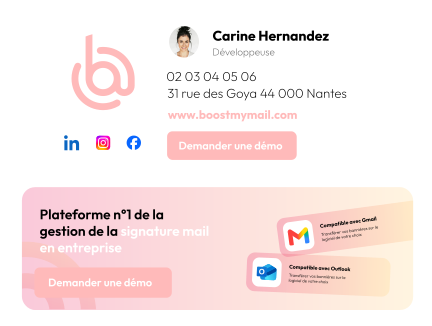
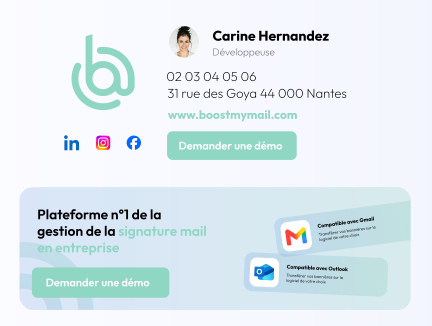

Boost My Mail is compatible with the Microsoft ecosystem: M365, Outlook on Mac and Windows, Outlook on the web, Outlook 2016/2019/2021, as well as mobile apps (iOS and Android) for syncing email signatures.
You can also take advantage of automatic synchronization with the Microsoft directory, with mapping of your users’ properties to Boost My Mail.

Boost My Mail is compatible with Gmail through a Google Workspace subscription:
• Automatic synchronization of the Workspace directory and mapping of your users' properties
• Automatic synchronization of email signatures in Gmail
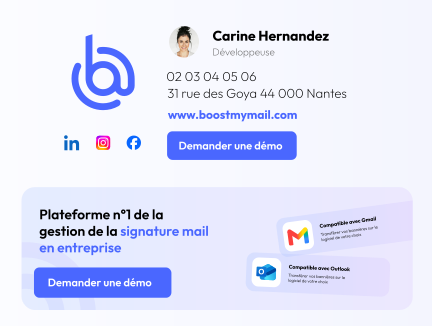
Horizontal carousel. Swipe on touch devices or use the left and right arrows when the carousel has focus.
Horizontal list. Scroll through the content if needed, or use the left and right arrow keys when the list has focus.


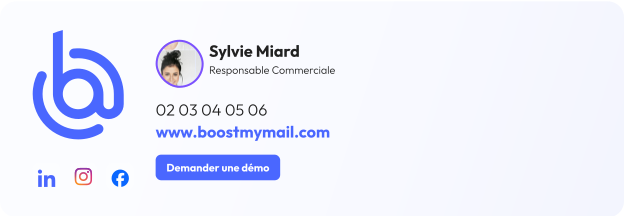
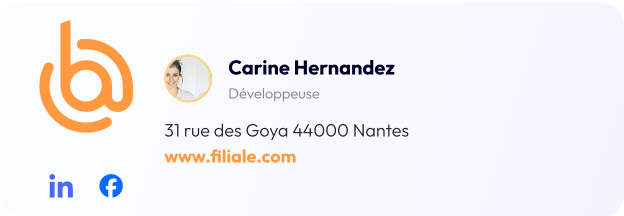
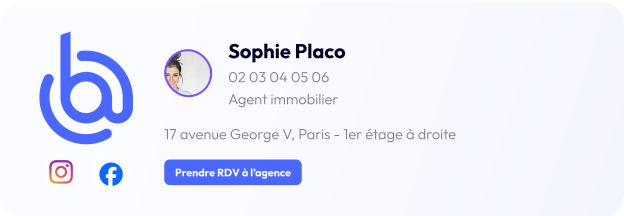
The configuration of email signatures and banners has been designed to adapt to all possible corporate structures.
Branches, multi-office operations, multi-brand operations: Boost My Mail is sure to adapt to your structure.
Signing in with your email is great. Signing in to your everyday tools is even better.

Connect Boost My Mail to Salesforce to automatically sync your email signatures. This helps you maintain consistency in your communications by ensuring your email signatures are uniform across your various tools.

Connect Boost My Mail to SEllsy to automatically sync your email signatures. This helps you maintain consistency in your communications by ensuring your email signatures are uniform across your various tools.

Connect Boost My Mail to Odoo to automatically sync your email signatures. This helps you maintain consistency in your communications by ensuring you have uniform email signatures across your various tools.

Connect Lucca to Boost My Mail to retrieve your company directory and sync the information needed to create your email signatures.

Create your banners on Canva and import them directly into Boost My Mail.
Effectively measure the performance of your signatures and banners using our dedicated dashboard
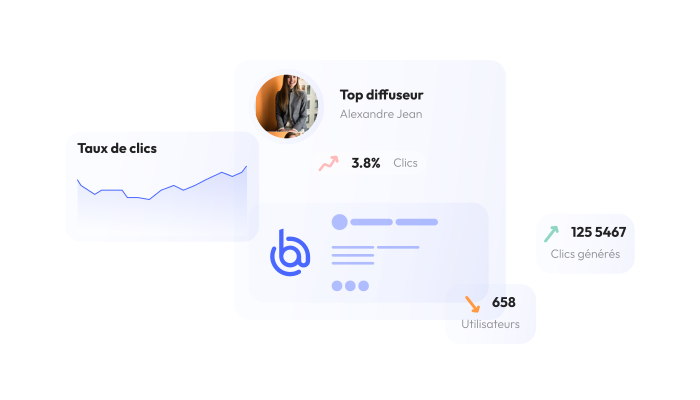
Each link in your signature has its own tracking statistics. This is ideal for identifying the people who click on the appointment-booking link in your sales reps' signatures, as well as for tracking the number of visitors to your website and social media profiles who come from email signatures.
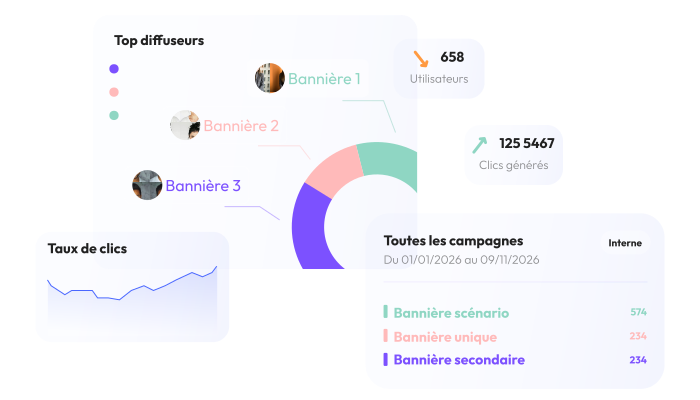
View the overall and daily statistics for each campaign created in Boost My Mail. This will help you identify the banners that generate the most interactions.
Yes, you can assign as many email signatures as you like to each employee in your organization. There is no limit.
We recommend creating at least four signatures to cover these four scenarios: a new email sent to an external recipient, a reply to an email sent to an external recipient, a new internal email, and a reply to an internal email.
Yes, Boost My Mail is compatible with shared mailboxes. You must set them up through the Users menu, specifying which employees have access to them.
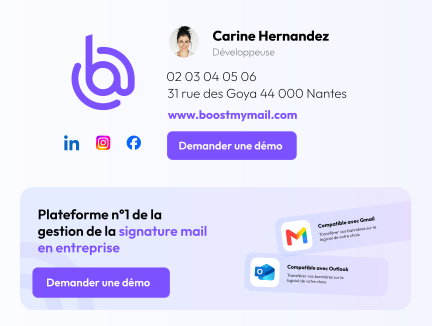
Boost My Mail is compatible with Microsoft Outlook (versions 2016, 2019, and 2021; web app; Windows; Mac; iOS; and Android) as well as Gmail through a Google Workspace subscription.
That's right—you can fully customize each email signature by adjusting, for example, the fonts, text colors, and button/CTA colors.