
Internal/External Target
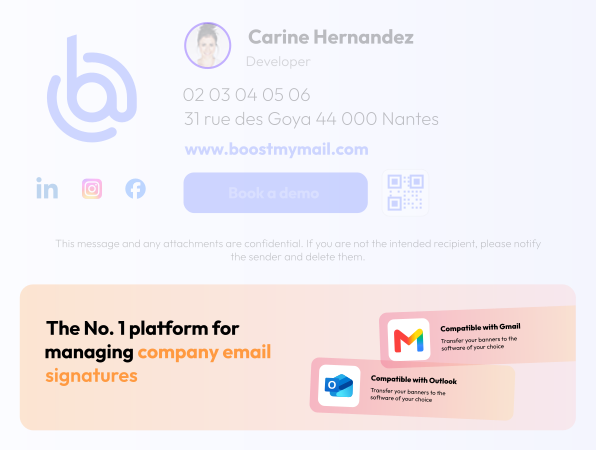
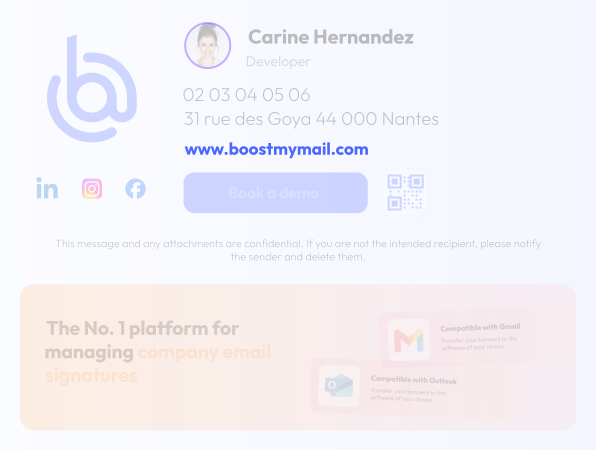
Adaptez le contenus de vos signatures en fonction de vos interlocuteurs : qu’ils soient internes à votre entreprise ou externe.

Créez des signatures mail en toute autonomie, ajoutez des bannières cliquables et attribuez-les à vos collaborateurs en toute simplicité avec Boost My Mail
Managing email signatures in a business setting has never been easier. Take advantage of a comprehensive tool that handles everything from creating signatures down to the finest detail to automatically syncing them across your employees’ email accounts.
Create your email signatures entirely on your own and down to the finest detail using our dedicated tool, or use our email signature templates.
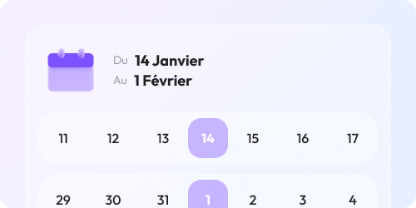
Add clickable banners, specify publication dates, and assign them to the employees of your choice.
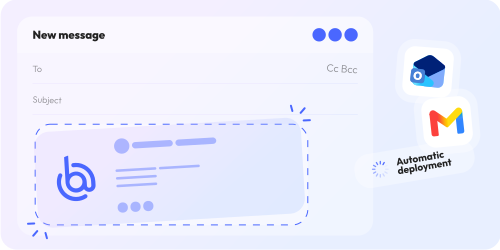
Save time and simplify your workflow: synchronization with Outlook and Gmail is automatic.
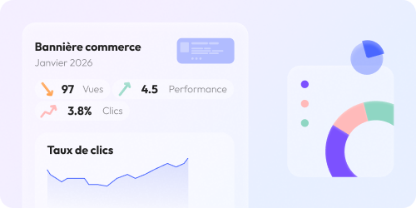
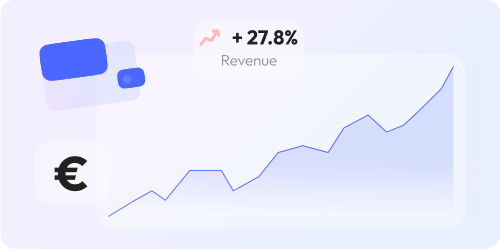
Easily track the performance of each of your campaigns and email signatures with our dedicated dashboard.
Communications Department

No more “in-house” signatures that are distorted, out of date, or don’t comply with the style guide!
Marketing Department

No more displaying banners for past events
IT Department

No more having to go to each workstation to set up the new banner
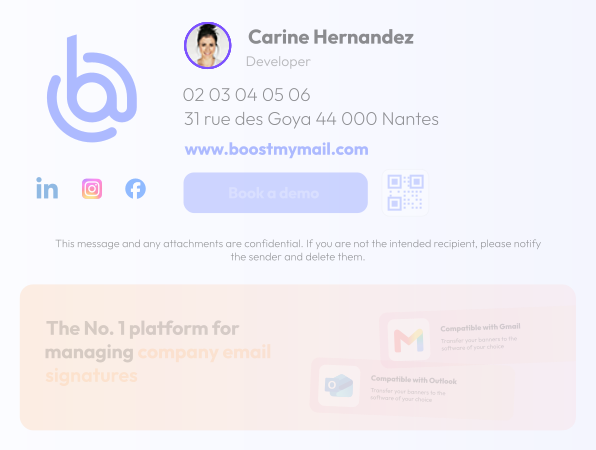
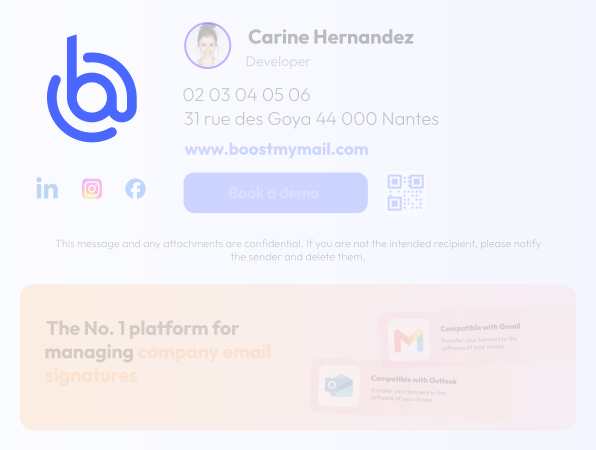
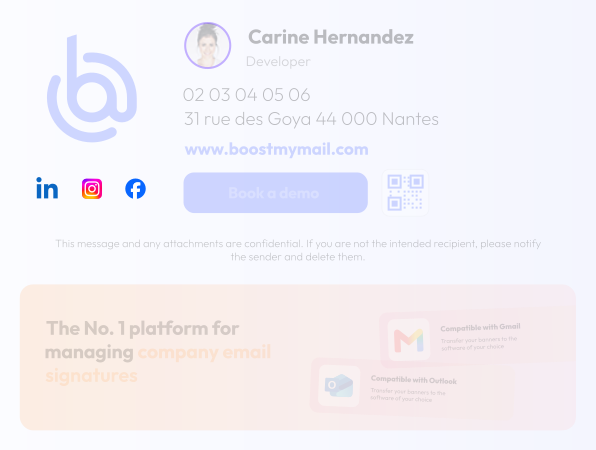
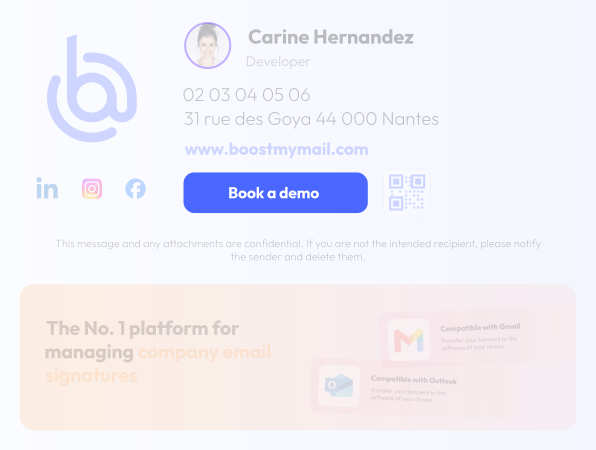
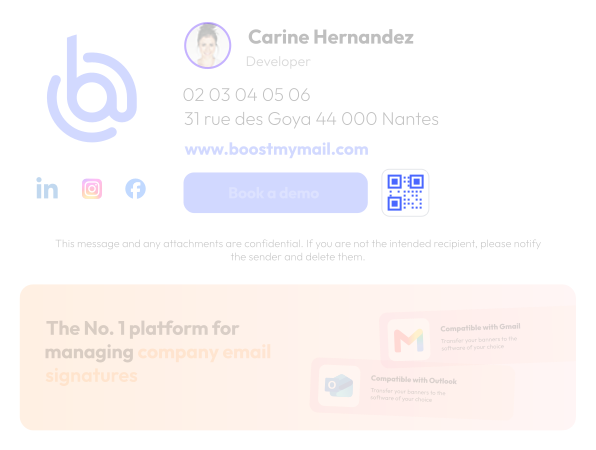
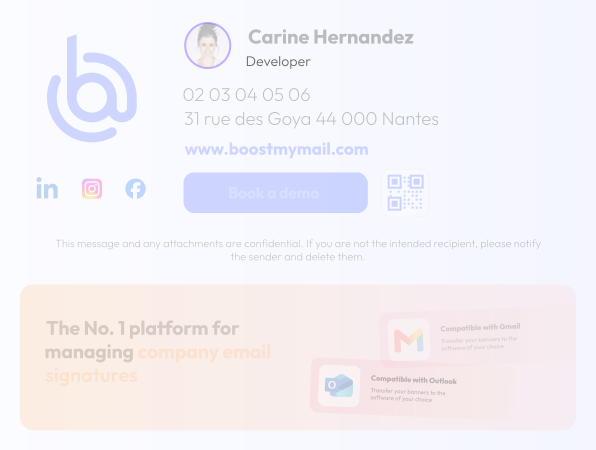
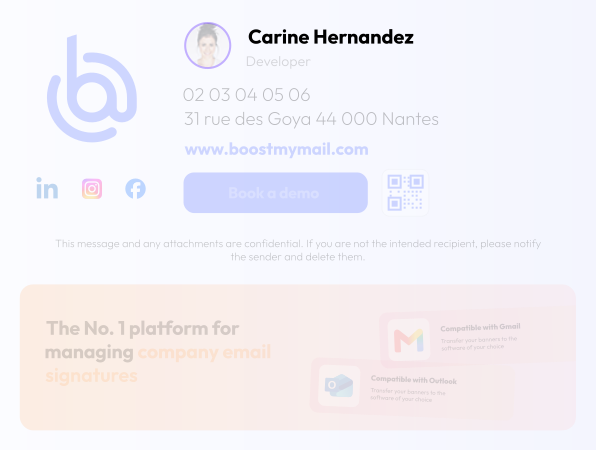
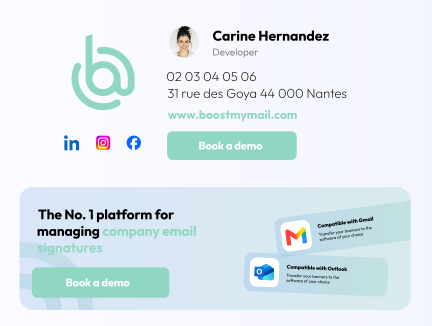
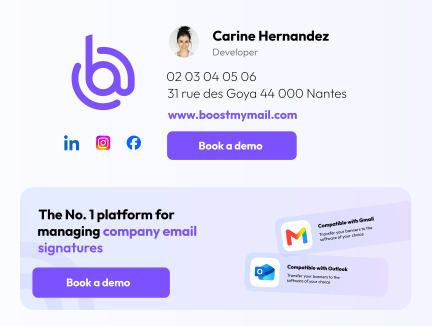
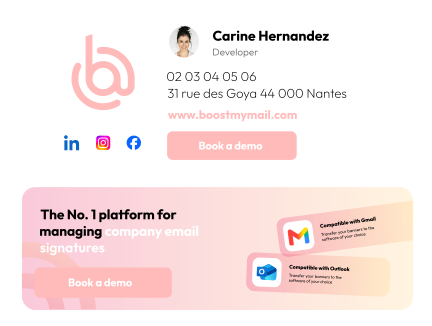
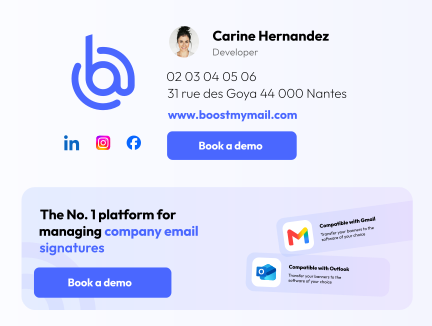
Customizable! Our email signature builder lets you create your own signatures down to the pixel. Text, margins, colors, CTAs…: add and customize them however you like.
Default illustration displayed.
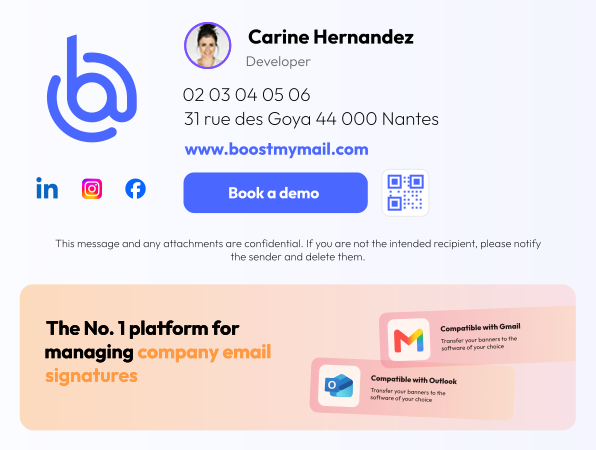
Hover over, select, or enable a setting to highlight it in the signature.



Horizontal carousel. Swipe on touch devices or use the left and right arrows when the carousel has focus.



Section with horizontally scrolling cards on desktop. Use the Left Arrow, Right Arrow, Page Up, Page Down, Home or End keys to browse the cards. Use the skip link to move directly past this area if needed.
Allez plus loin qu’une simple signature : adaptez-la en fonction de votre configuration d’entreprise mais aussi en fonction du type de mail envoyé.
Adaptez le contenus de vos signatures en fonction de vos interlocuteurs : qu’ils soient internes à votre entreprise ou externe.

Réduisez le contenu de vos signature lors de mails en réponse : vos interlocuteurs auront déjà eu toutes les infos lors de votre premier échange.

Attribuez plusieurs signatures à une même personne et laissez lui la main sur le choix pour chaque mail.

Logo, adresse postal, couleurs, typo : personnalisez chaque signature pour chacune de vos filiales.
Facilitez la tâche de vos collaborateurs. Indiquez quelle signature devra apparaître en priorité de manière automatique.

Ajoutez plusieurs bannières à une campagne : elles s’alterneront automatiquement toutes les 3h sur les messageries de vos collaborateurs.

Planifiez les dates de diffusion de chaque campagne. Et fini le “Bon année” au mois d’avril.

Paramétrez des campagnes qui ne s’afficheront que lors d’échanges internes à l’entreprise : idéal pour les RHs.

Vous souhaitez faire apparaitre un autre visuel lors d’un mail en réponse ? Ou aucune bannière ? C’est possible !
Facilitez la tâche de vos collaborateurs. Indiquez quelle bannière devra apparaître en priorité de manière automatique.








Boost My Mail is compatible with the Microsoft environment:
✅ Automatic synchronization of the Microsoft address book and mapping of your users' properties ✅ Automatic synchronization of email signatures across different versions of Outlook.
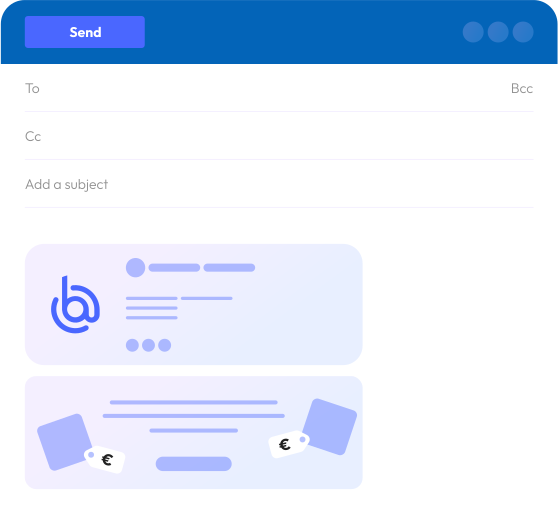
Boost My Mail integrates seamlessly with the Google ecosystem by automatically connecting to your Google Workspace directory, leveraging your users' properties, and automatically deploying email signatures in Gmail.
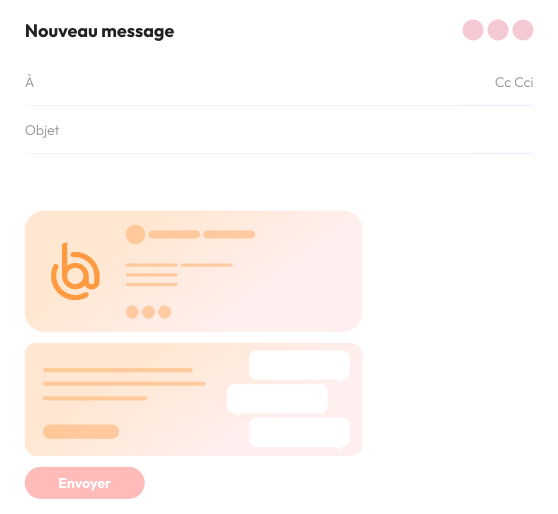
Horizontal list. Scroll through the content if needed, or use the left and right arrow keys when the list has focus.


Join us for a 20-minute video call to learn about our tool and its features
Horizontal carousel. Swipe on touch devices or use the left and right arrows when the carousel has focus.